Everything DraftBloom actually does
Eight stages from a first sentence to a manuscript an agent can read — and a review step in front of all of them, so nothing a model writes lands in your book without you.
Where every session starts
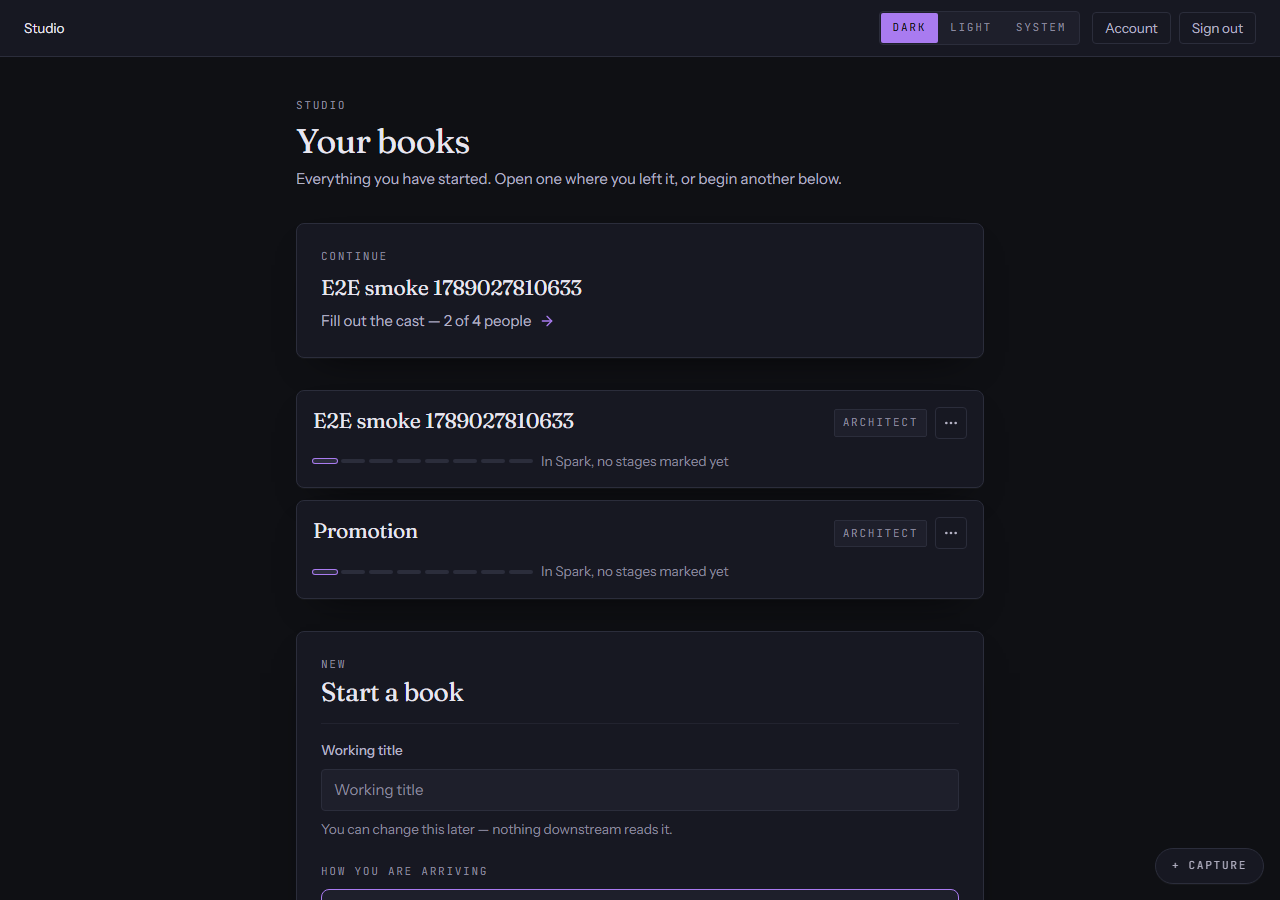
My books
Four ways in, and one line telling you the single most useful thing to do next.
- Start from nothing, from a seed, from a manuscript you already have, or by writing the first sentence.
- A manuscript you import is read into chapters and scenes, and the setting it describes is offered back to you as entries.
- Every book on the shelf carries its own progress bar and its own next action.
Before the first page
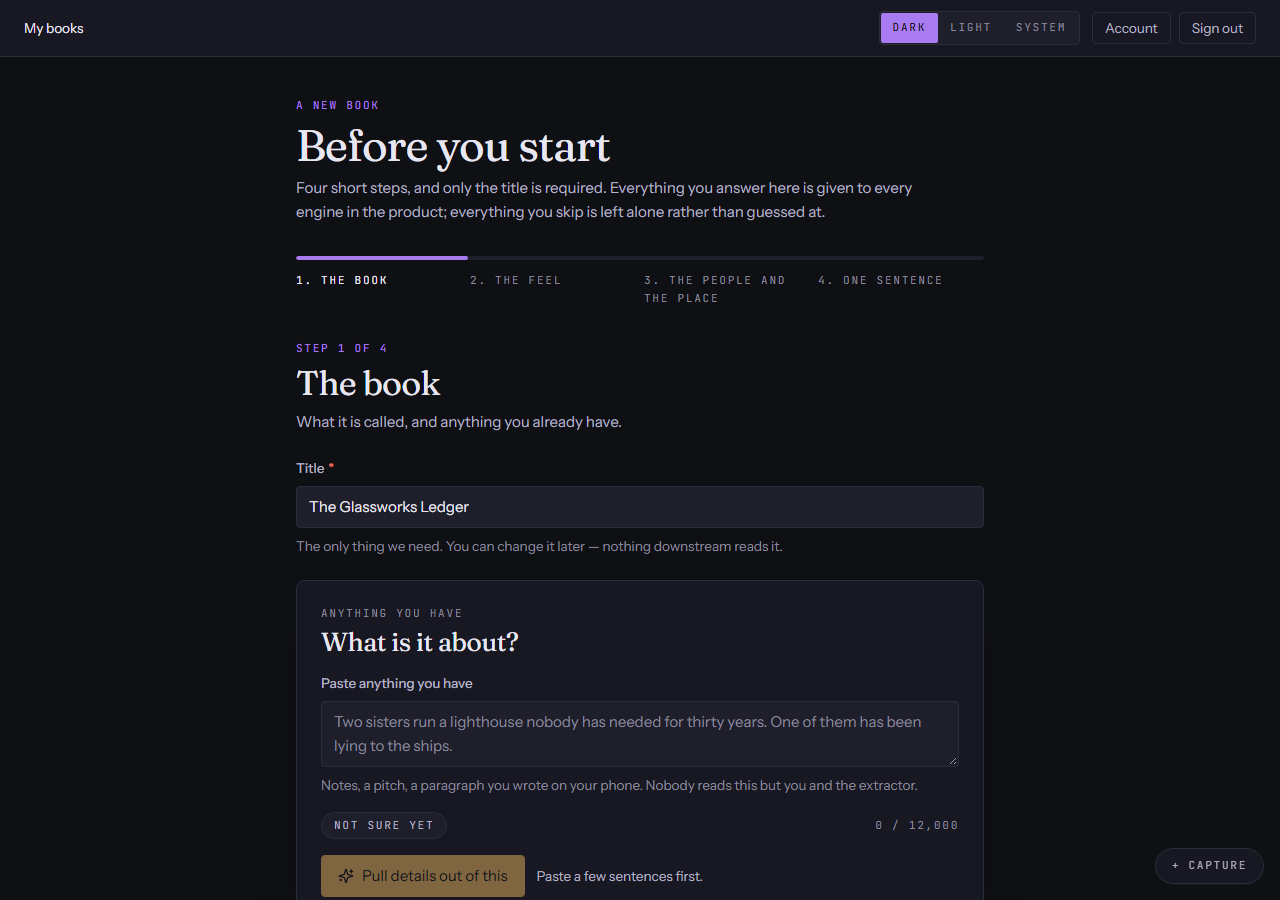
Book setup
Start with what you have: a title and a few sliders.
- Four short steps — what it is, how it should feel, who it is about, and one sentence. Only the title is required.
- Ten sliders between two poles each — dark to light, slow-burn to fast, hopeful to bleak — read back to you as words rather than as numbers.
- Paste anything you already have and the setup screen fills the rest in for you to edit; every question carries a “Not sure yet” that is a real answer rather than a blank.
- What you answer becomes the book's brief, and the brief is the first thing every engine in the product is told.
Stage 1 of 8 · Idea
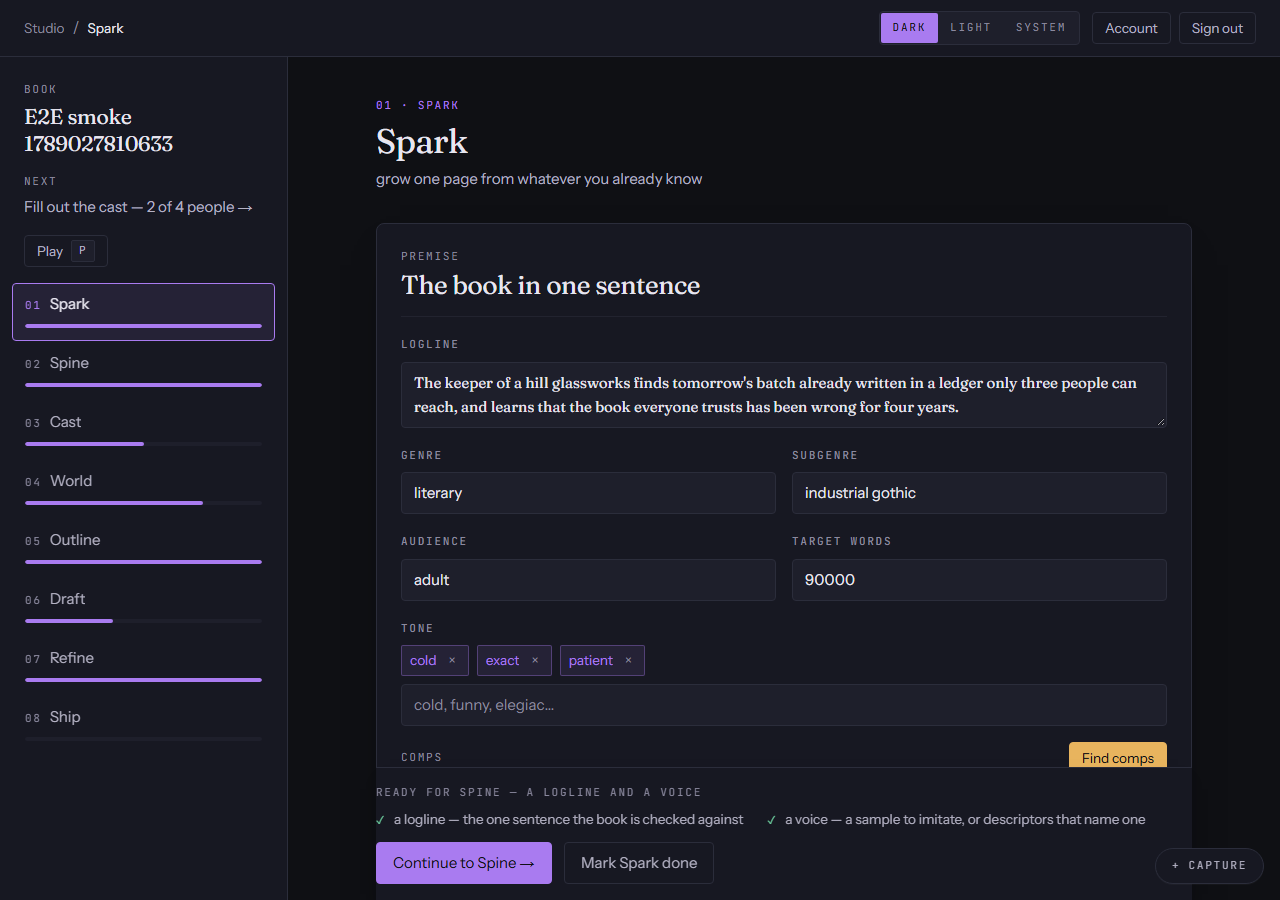
Idea
One page grown from whatever you already know — a sentence, an image, a mood.
- Grow a seed into premise candidates, then keep the one that is yours. Nothing in the grow panel is saved until you say so.
- The premise carries the logline, the audience, the comparable titles and the narrator's voice.
- The voice you set here is what every later draft is written in.
Stage 2 of 8 · Structure
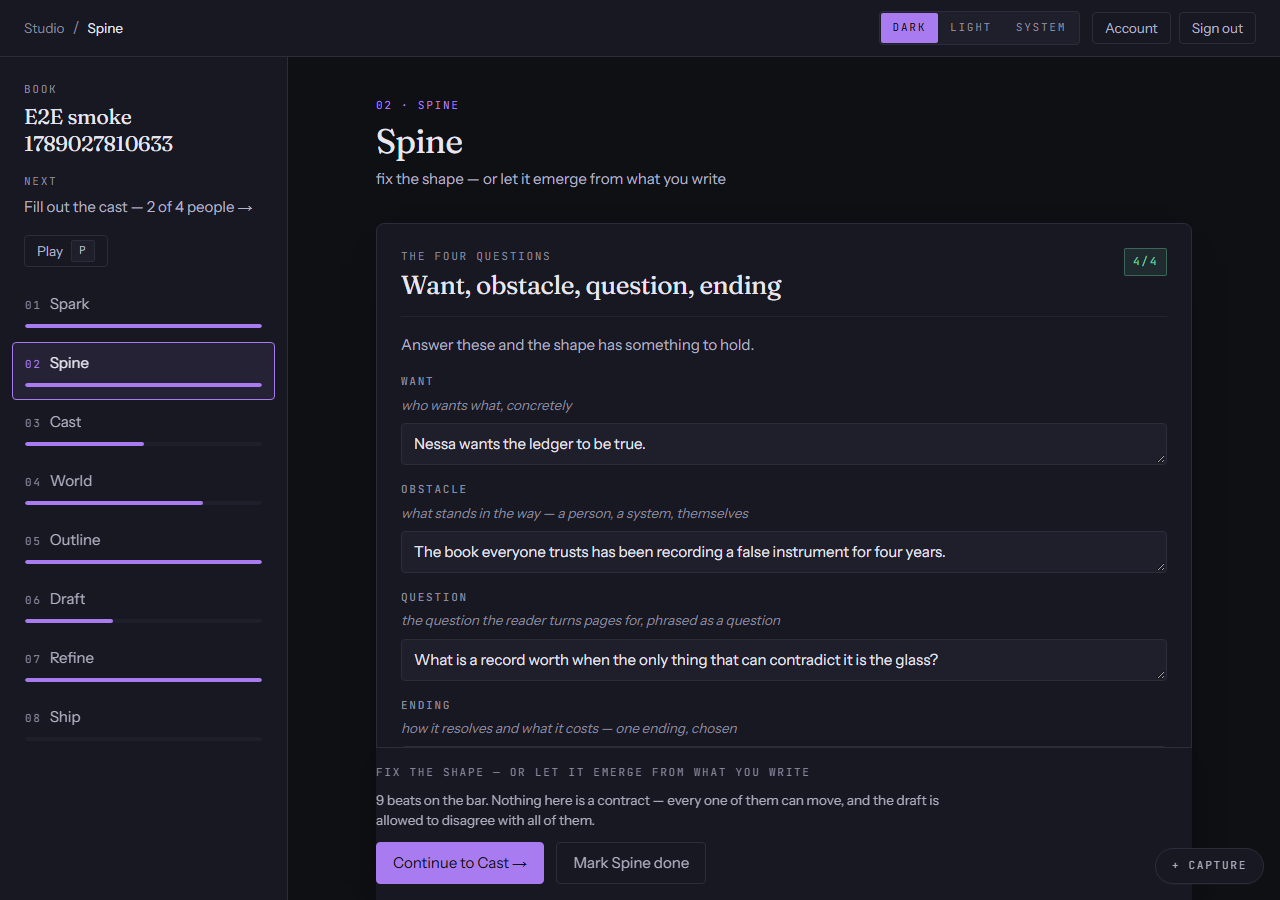
Structure
The shape of the book — fixed before you start, or left to emerge from what you write.
- A beat sheet with each beat placed on the book's own timeline.
- Four questions that turn a premise into a shape, and alternatives for any beat that is not working.
- You can skip it entirely and write; the structure can be grown later from the chapters you have.
Stage 3 of 8 · Characters
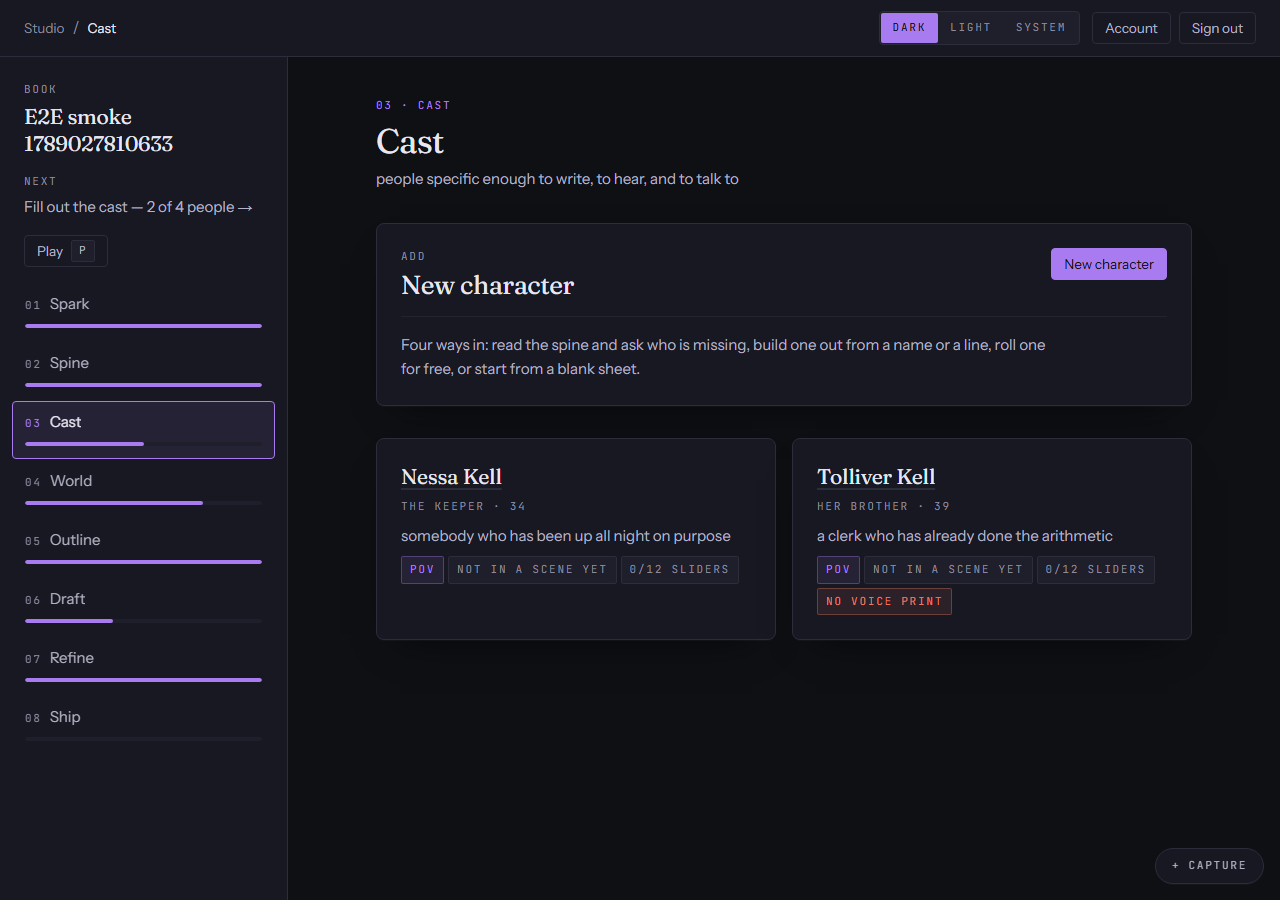
Characters
People specific enough to write, to hear, and to talk to.
- Identity, twelve personality sliders in three banks, and a voice print with sample lines.
- The engine — want, need, lie, truth, ghost — which is the part that generates plot.
- Arcs pinned to the book's beats, typed relationships, and a check that tells you when two of your people read alike.
Stage 4 of 8 · Setting
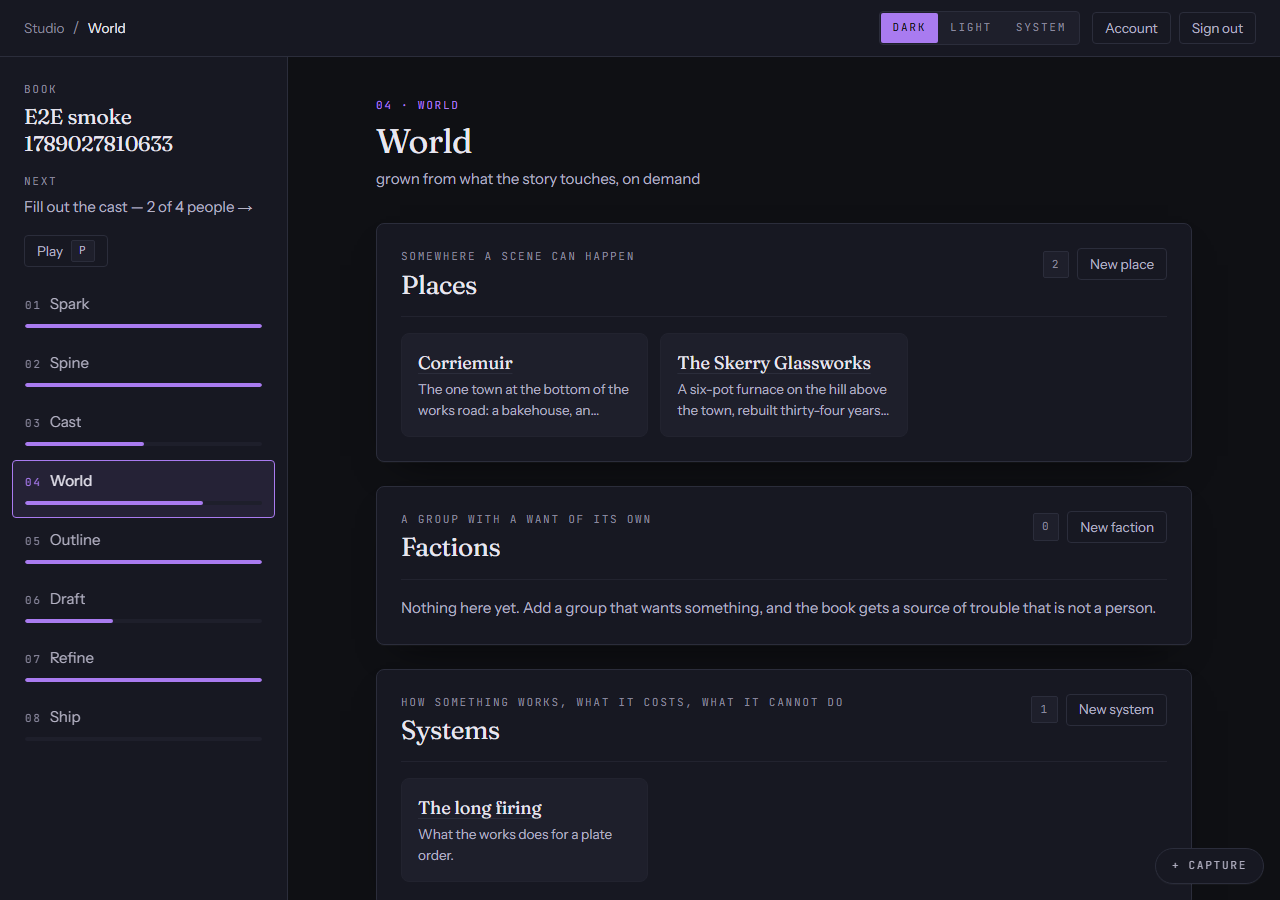
Setting
Grown from what the story touches, on demand — never a wiki you have to fill in first.
- Places, factions, cultures, systems, items and events, each with the fields its kind actually needs.
- Canon locks: lock a fact and a later contradiction becomes an error rather than a suggestion.
- A lexicon, a story-world timeline, sources cited to the entry they informed, and a stress test that asks what a clever character could do with your rules.
Stage 5 of 8 · Outline
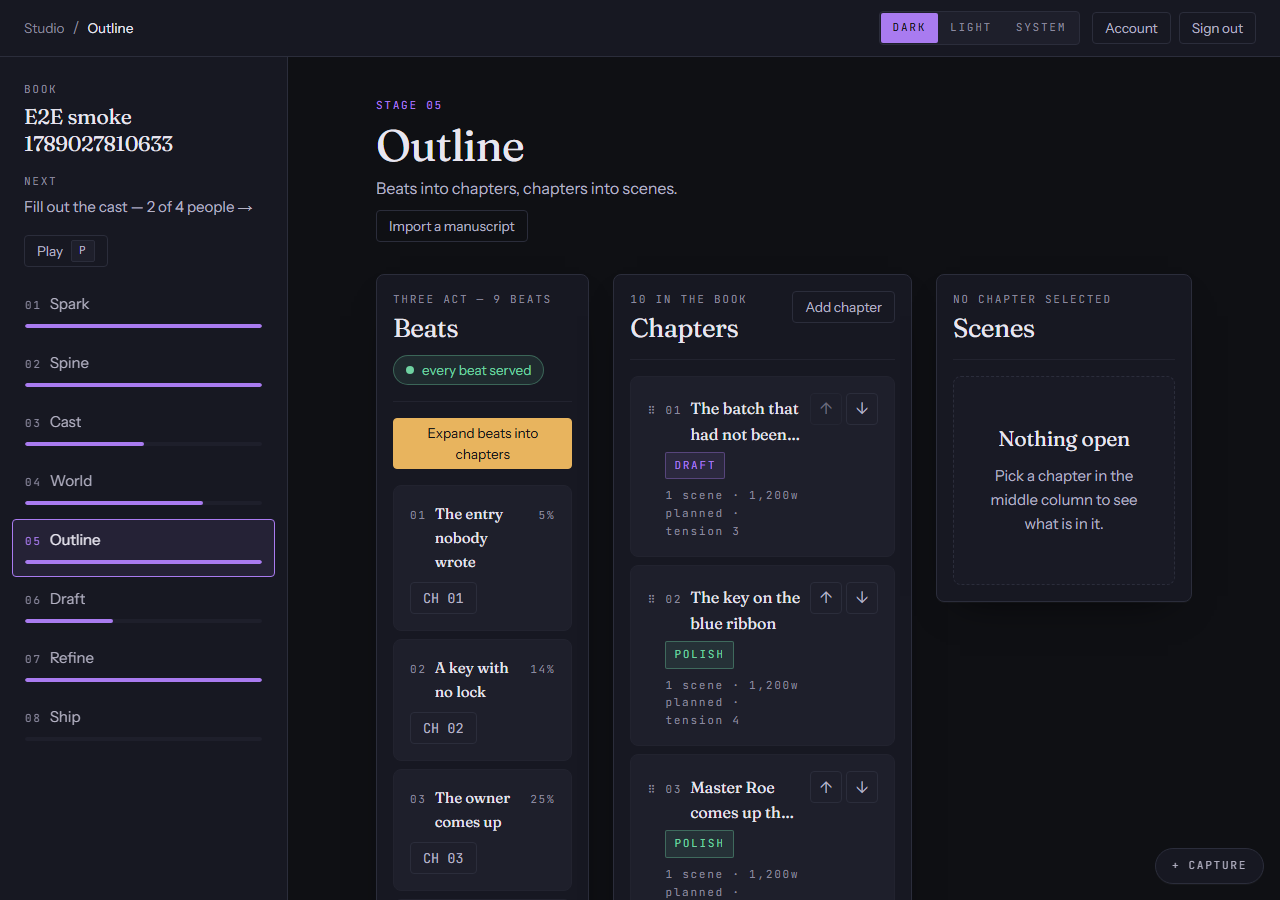
Outline
Beats into chapters, chapters into scenes.
- Scene cards carrying goal, conflict, outcome, turn and reveal — the things a drafter needs to write the scene.
- A thread register for every promise the book makes and the chapter it pays off in.
- Pacing and tension read back against the shape you chose, and a list of what the outline does not yet say.
Stage 6 of 8 · Write
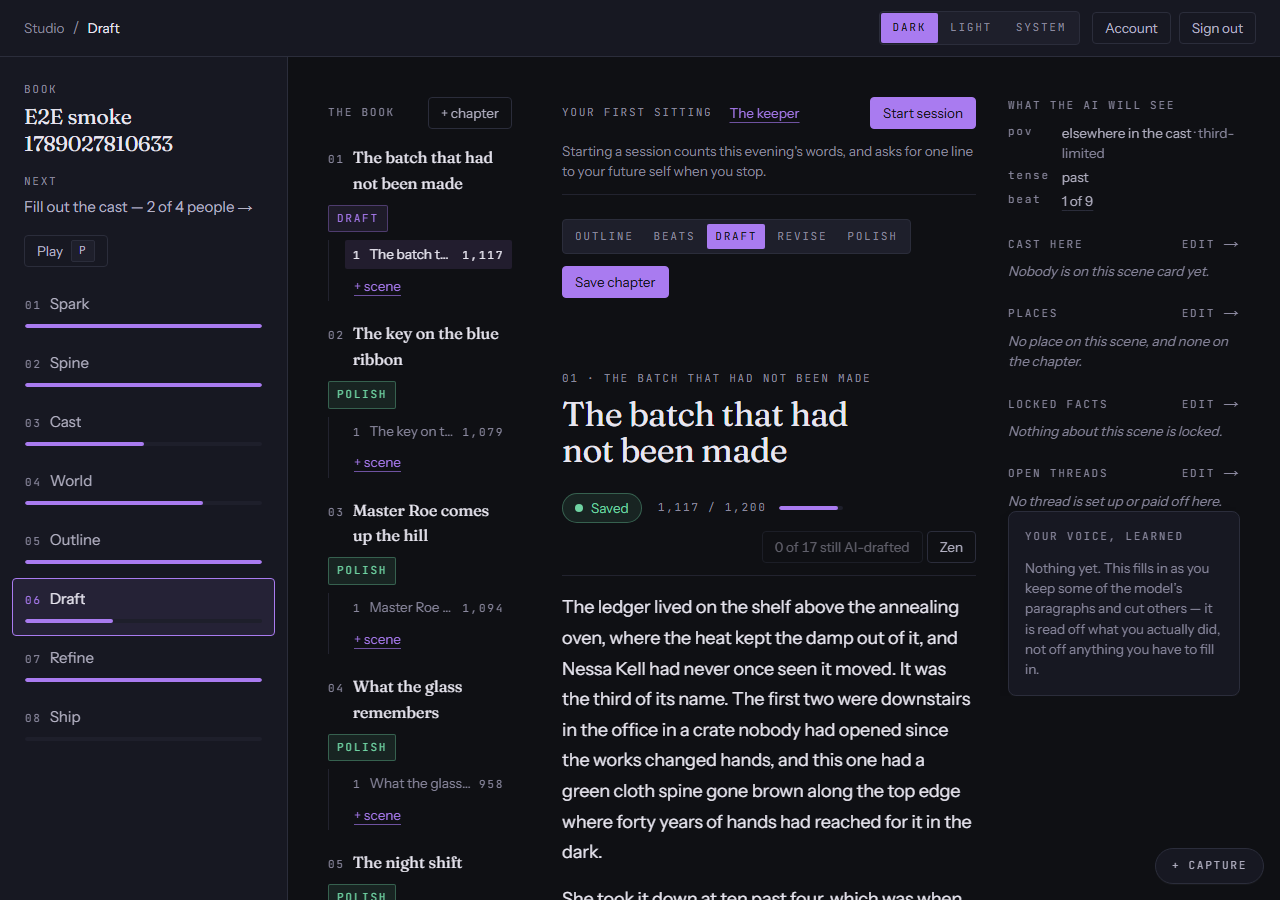
Write
Where the hours go: one scene at a time, with the book you built beside it.
- Every scene is written from a context pack — the premise and voice, the beat, the story so far, the scene card, only the characters in the room, the locked facts, the open threads, and the last words of the previous scene.
- Write-assists for continuing, expanding, tightening, describing and rewriting in a character's voice, over a selection or the whole scene.
- Six named revision passes over one scene: deepen POV, fix pacing, cut filter words, raise stakes, punch dialogue, layer setting.
- Names the setting does not know yet are noticed as you type, and offered back as entries.
Every stage, every engine
Review
No model output writes to your book. Every suggestion arrives as a proposal with a diff.
- Accept it, edit it so your wording lands instead, or reject it and nothing happened.
- Every proposal stores the exact context it was given, so you can open it and read what the model saw.
- Every field and every paragraph records whether you or a model wrote it.
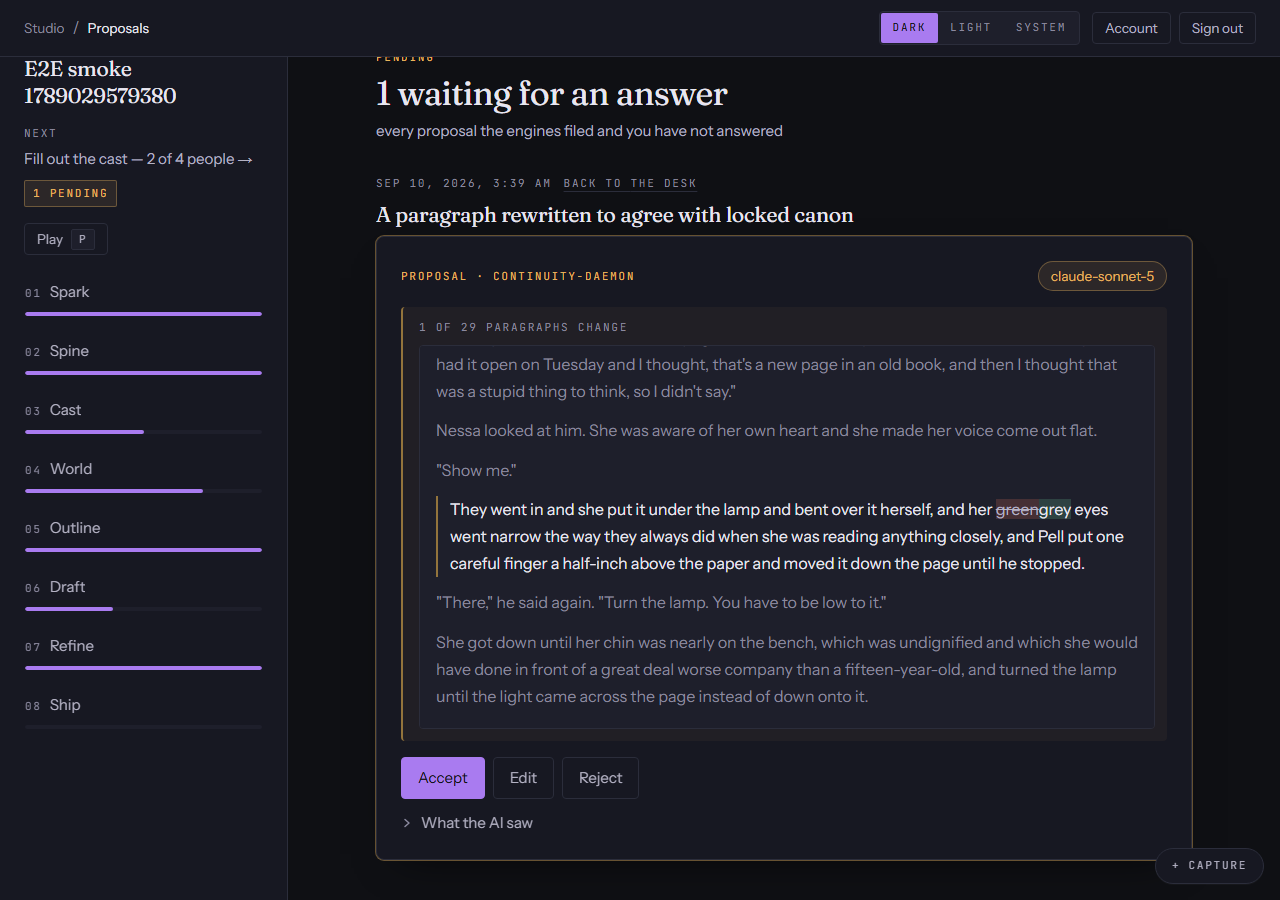
The desk, and every canon row
Versions
A version is filed before anything overwrites your words, and any two of them can be compared.
- Filed on every accepted proposal, every edit and autosave, every chapter save, and every move between a chapter's stations.
- Each one is labelled with the reason it was filed, which is what makes the list navigable.
- Pick two at the desk to diff them; restore any one.
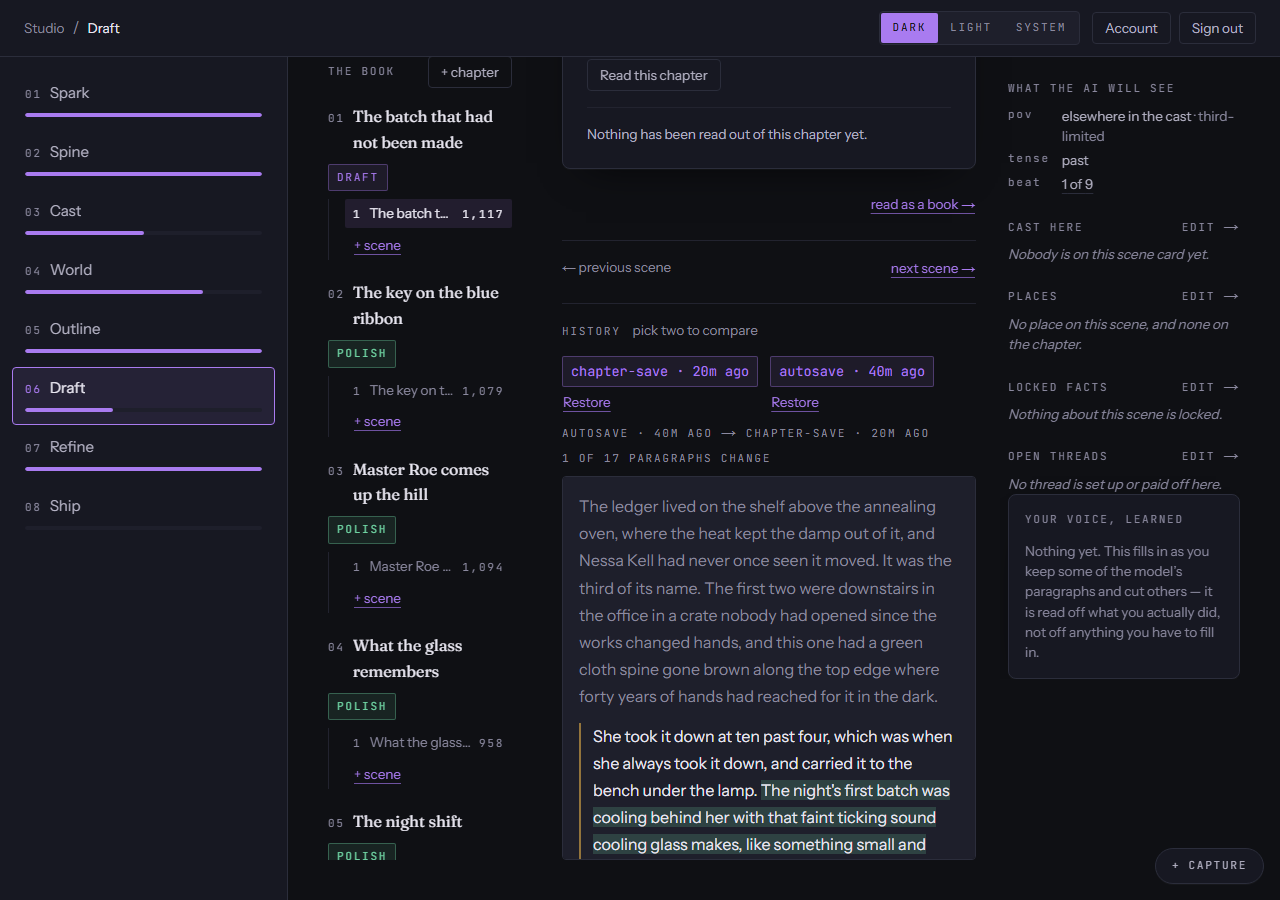
A drawer, open from anywhere in the book
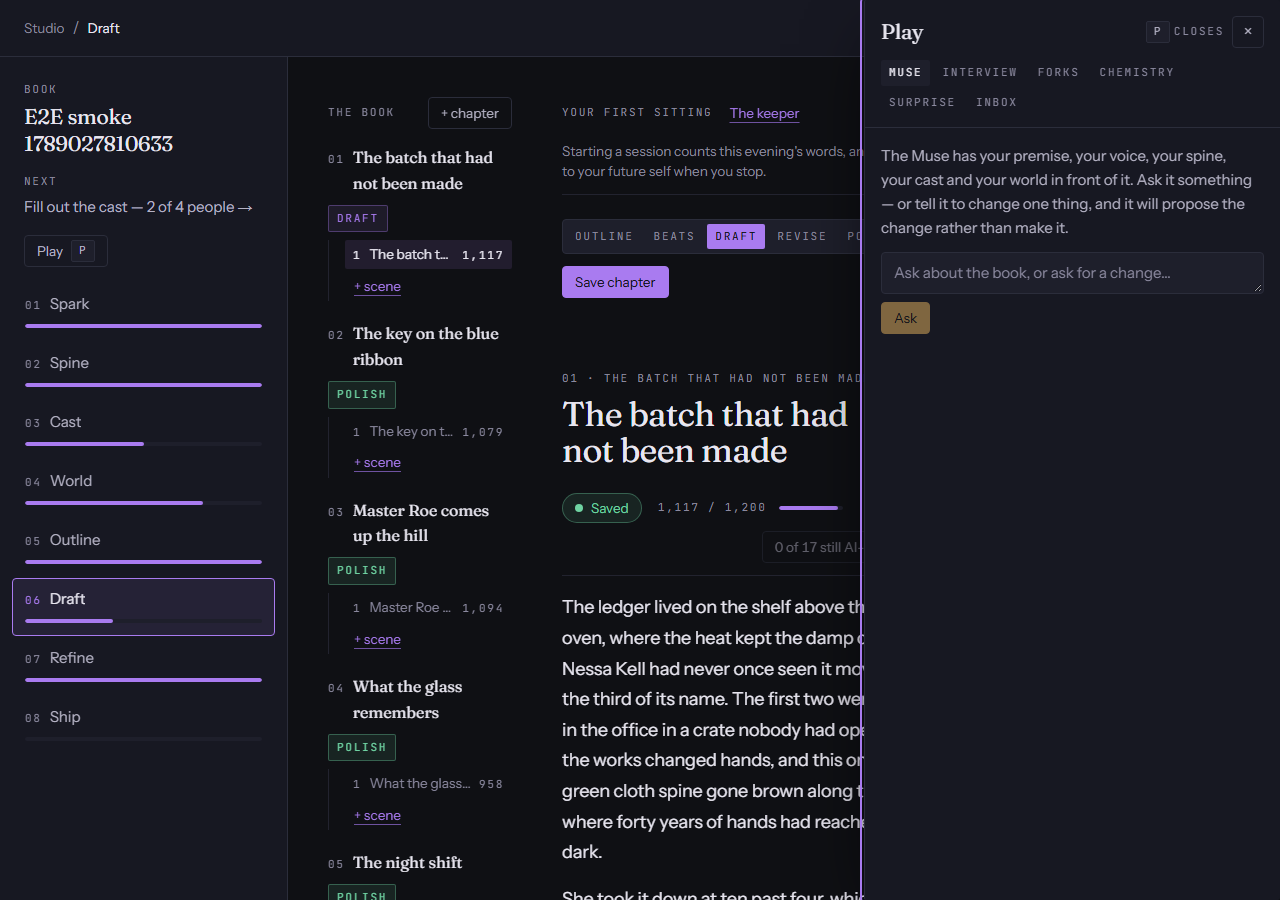
The Sandbox
Somewhere to try things that does not touch the book until you promote them.
- The Assistant, for talking about the book with something that has read it.
- Interview a character and hear the answer in their own voice; promote an answer and it goes through Review like anything else.
- Draw a complication when you are stuck, and file a note to yourself in the inbox.
- Fork a scene to see what happens if she says yes, or put two characters in a room and read the chemistry — on the paid plans.
Stage 7 of 8 · Revise
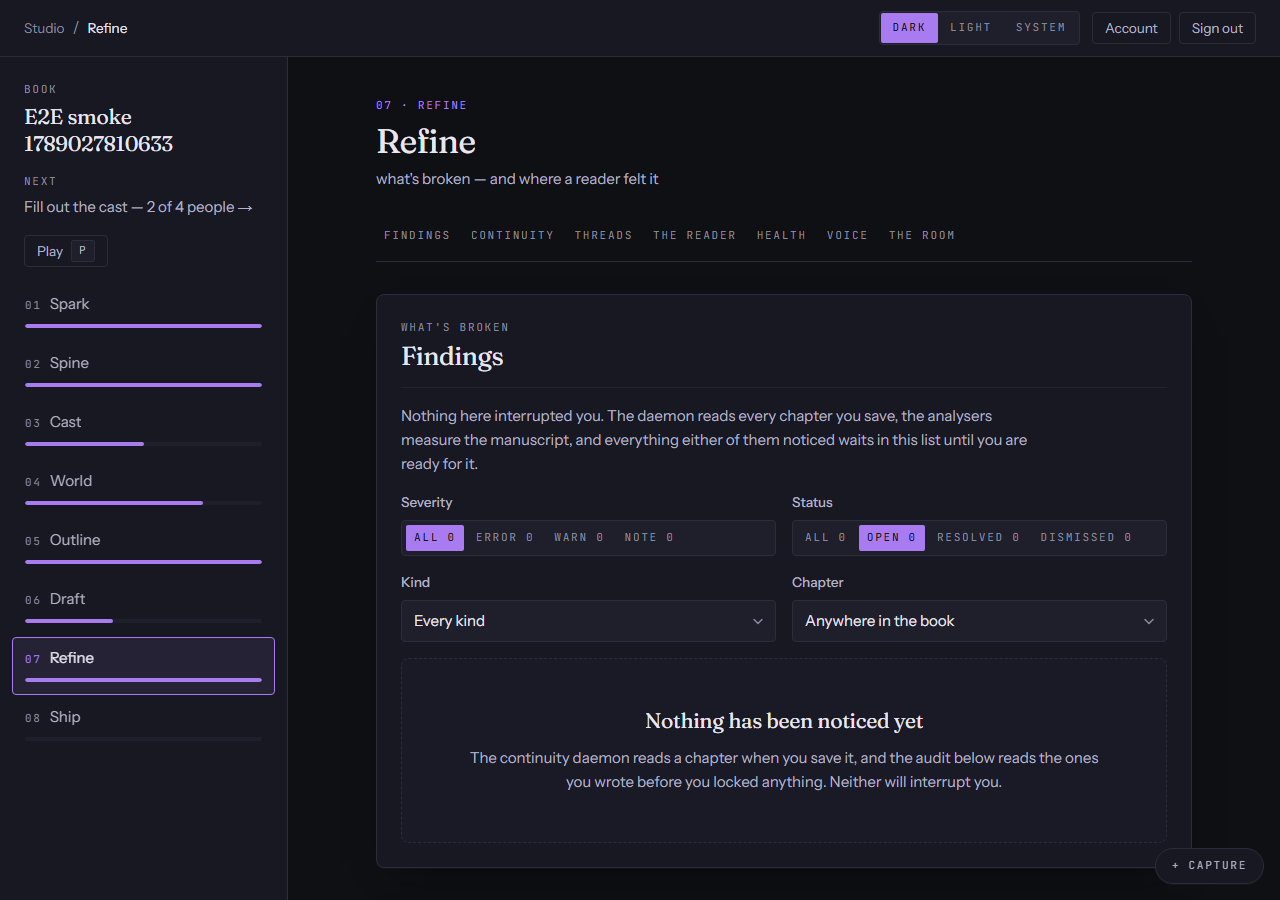
Revise
What is broken, and where a reader felt it.
- A continuity audit of the manuscript against your locked canon: contradicted facts, impossible timelines, a character in two places, a voice drifting from its print.
- A reader pass that marks the prose bored, lost or hooked, paragraph by paragraph — and real readers' reactions land in the same map.
- A thread tracker for every setup that has not paid off, with the chapter it was planted in.
- The writing room: point it at a real problem and it returns a decision you can apply to the outline, not a chat log.
On the paid plans. See plans →
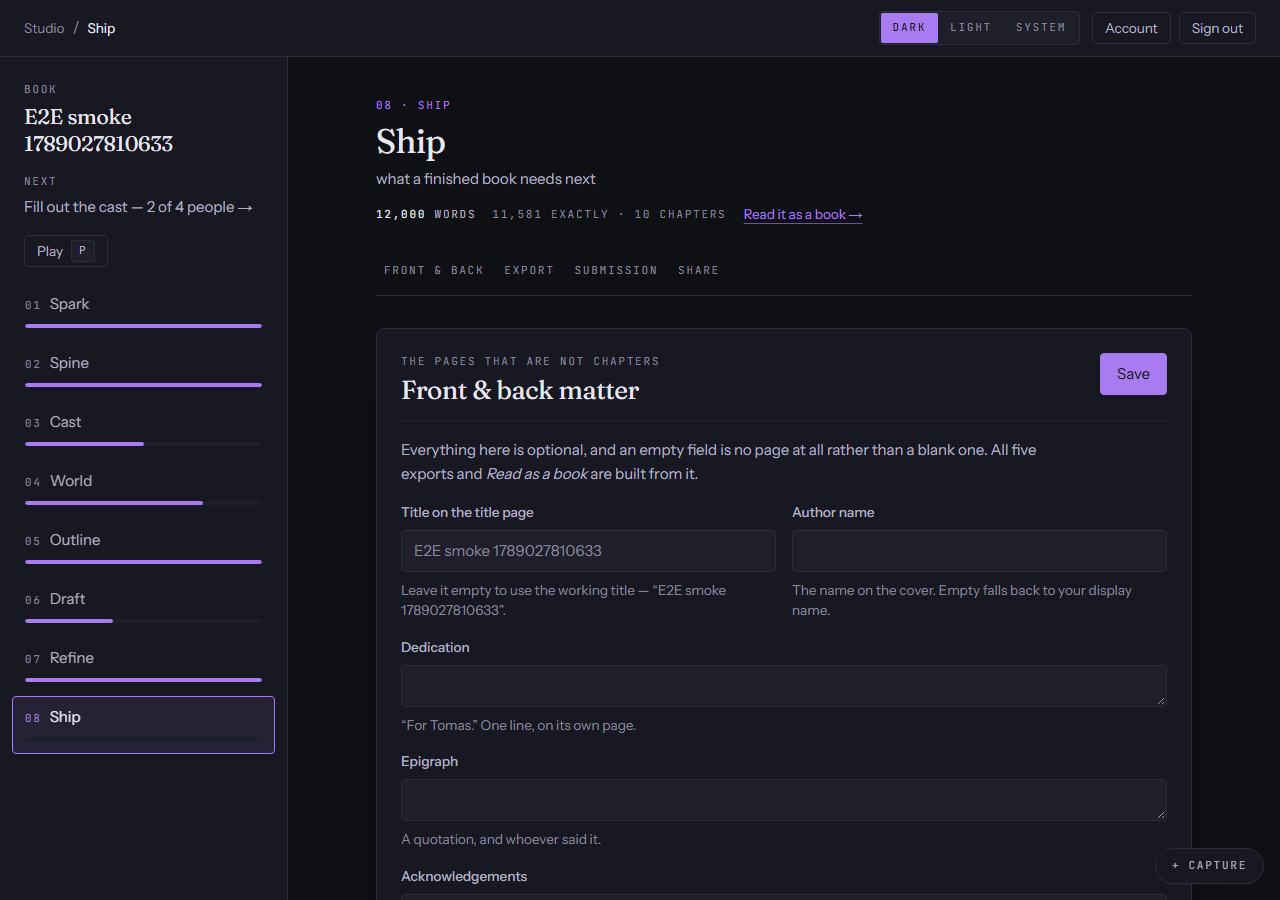
Stage 8 of 8 · Publish
Publish
What a finished book needs next.
- Export the manuscript as a file — ePub for readers, DOCX for an editor, Markdown for keeping, and PDF and Shunn standard manuscript format on Premium.
- Front and back matter: title page, dedication, epigraph, acknowledgements, about the author.
- The submission package: a present-tense synopsis, a back-cover blurb, a query letter draft, comparable titles, and the word count rounded the way agents expect.
On the paid plans. See plans →
From the desk, at any moment
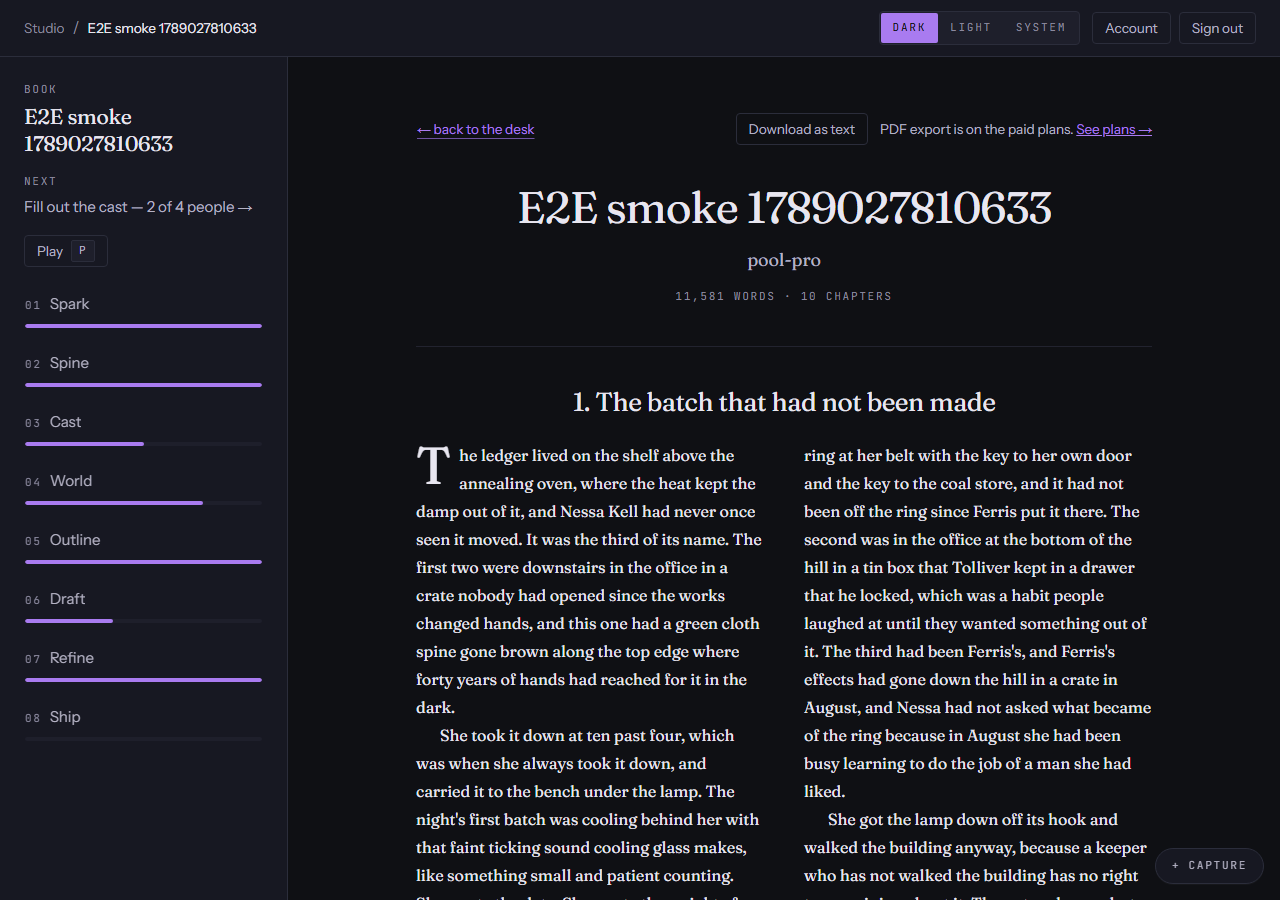
Read as a book
Everything you have written so far, typeset — at any point, on any plan.
- Front matter, chapter titles, drop caps, scene breaks: what you have, as a book.
- Download it as plain text on every plan, including free. Your words are yours.
- Print or save it as a PDF on the paid plans.
Publish, and the reader's own page
Share a chapter
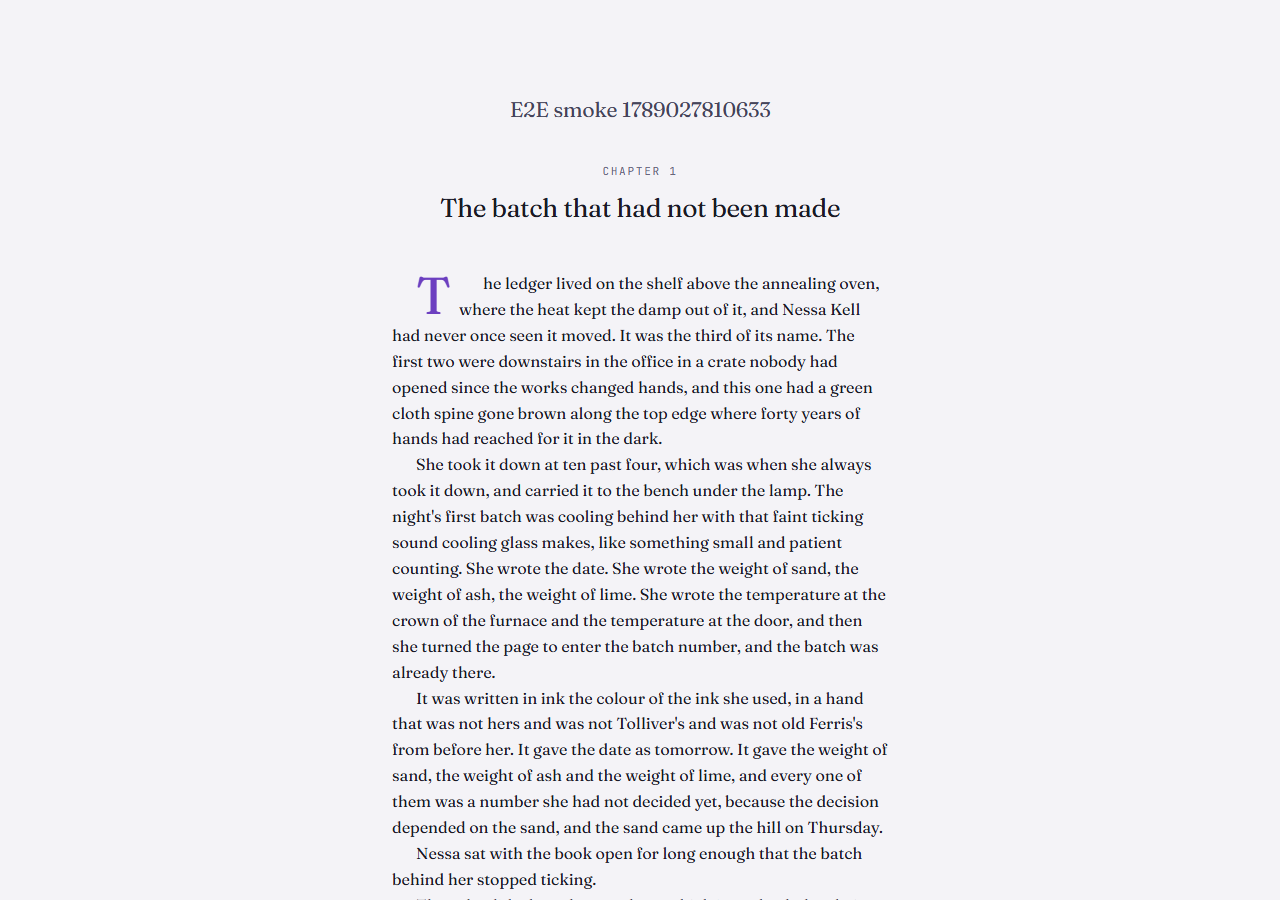
A link that hands one chapter to one real reader — no account, no app.
- The reader sees the chapter and nothing else: no characters, no setting, no way back into your book.
- They mark where they were bored, lost or hooked, and those marks come back into Revise beside the AI's.
- Links expire and can be revoked, which frees the slot again.
On the paid plans. See plans →
Start with one sentence.
The free plan builds a world, outlines a book and drafts chapters. No card.
Start writing free